| Short Answer: To connect data to an AI-built mobile app, first decide what data the app needs. Then choose the right link: an API to communicate with other services (maps, payments, weather), a database to store your own data (orders, users, posts), and real-time data for live updates (delivery tracking, chat). Describe each connection in plain words, add secure login requirements, and then test on a phone before launch. |
You described your app, and AI built the screens. That’s great, but right now it’s like a shop with no stock. It looks amazing, but it shows nothing real. Data makes the app useful. This guide explains how to connect that data most simply.
What Does “Connecting Data” to a Mobile App Mean?
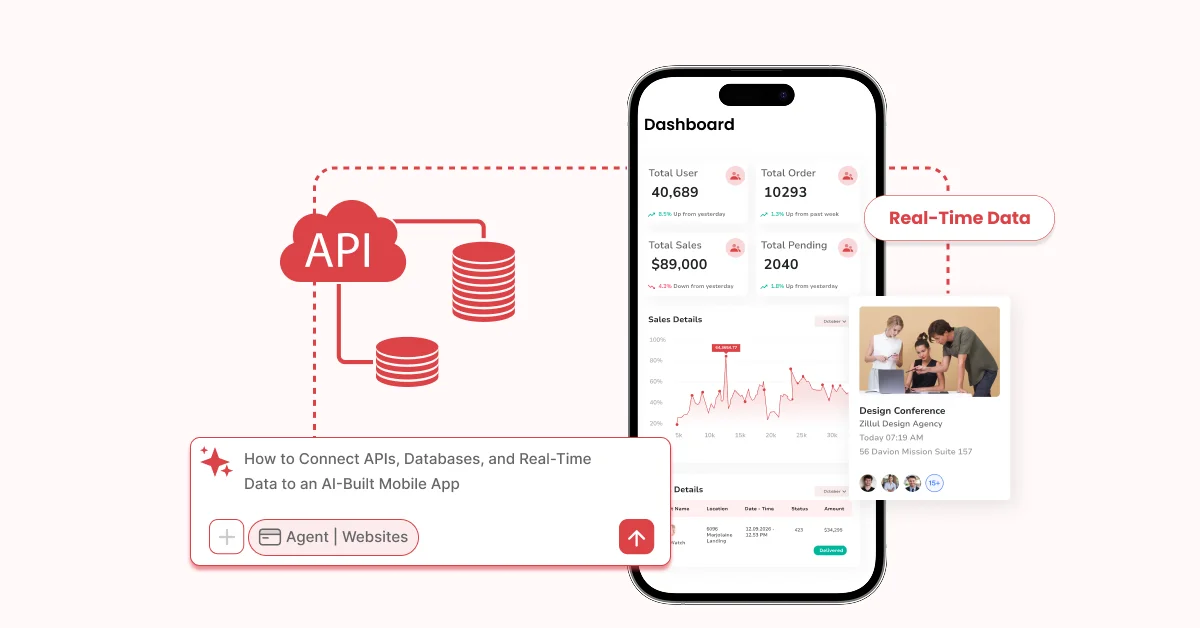
Connecting data means your app can send and receive information from somewhere outside the screen. The screen is only the app’s face. The data lives somewhere, and the app needs a way to reach it.
There are three main ways:
- API: A messenger between your app and another service.
- Database: A safe storage room for your own information.
- Real-time Data: A live line that pushes new information to the app right away.
A simple example:
Think of a food delivery app, which uses an API to take card payments, a database to save orders and customers, and real-time data to show the driver moving on the map.
How Do You Connect an API to an AI-Built Mobile App?
An API (Application Programming Interface) is a set of rules that allows two software systems to communicate. To connect, you need the service’s API address (endpoint) and an API key. Your app sends a request, and the service responds in JSON.
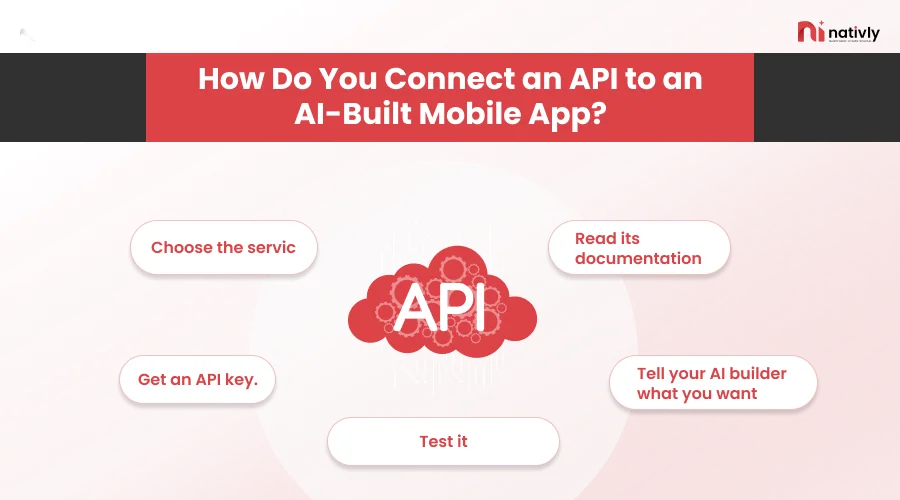
Steps to Connect an API
- Choose the service. Examples: a payment tool, a weather service, a map, or your company’s own system.
- Read its documentation. Find the endpoint, the key, and any usage limits.
- Get an API key. Treat it like a password.
- Tell your AI builder what you want. For example: “When the user taps Check Weather, show the temperature for their city.”
- Test it. Try good input, bad input, and no internet.
Important Rule: Keep API keys off the phone
Anyone can look inside an app they download. If a secret key is inside the app, someone can copy it. It’s safer to keep secret keys on a server and let the app request that data from the server. If you are unsure, ask your builder’s engineering team to check it.
How Do You Connect a Database to Your Mobile App?
A database stores details your app needs repeatedly, like user profiles, saved notes, or orders. Your app doesn’t talk to it directly in an unsafe way. It generally goes through a backend, a small server layer that checks who is asking and what they can see.
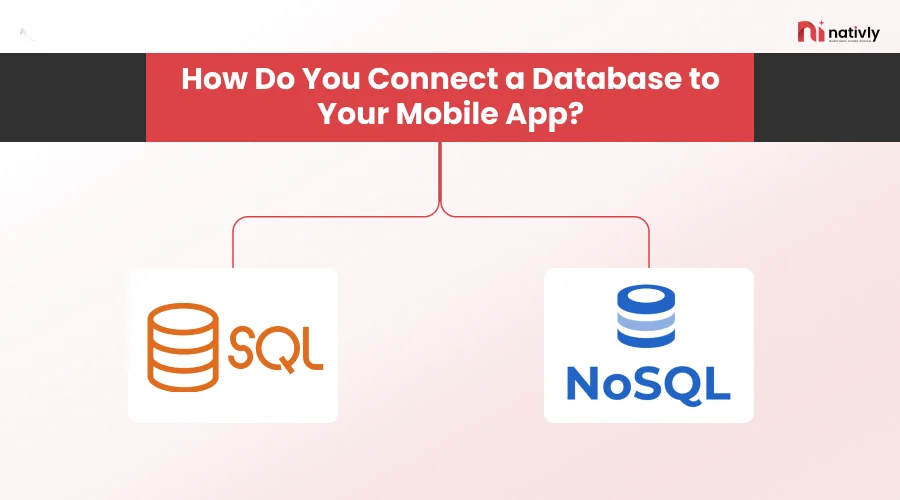
Which database type should you choose?
- SQL (relational) Database: data sits in tables with rows and columns. Good for orders, bookings, and accounts. PostgreSQL is a popular example.
- NoSQL Database: data is stored more flexibly. Good for fast-changing content like feeds.
If you are a beginner and unsure, a SQL database is generally the safer, easier-to-understand choice.
Steps to connect a database
- List Your Data: Write down what you must store (for example: name, email, order, date).
- Create Tables: One table for each thing, like Users and Orders.
- Add User Login: The app must know who the user is.
- Add Access Rules: A user should see only their own data.
- Connect and Test: Save a record from the app, then check that it appears.
How Do You Add Real-Time Data to a Mobile App?
Real-time data means the app updates by itself when something changes, with no refresh. Most real-time tools use WebSockets, which keep a connection open so the server can push news to the phone at once.
Common Real-Time Features
- Chat messages and typing indicators
- Live delivery or ride tracking
- Stock, sports, or price updates
- Order status changes
- Alerts and notifications
How it works in practice
Some database platforms can send changes straight to your app. For example, Supabase Realtime offers Presence (who is online), Broadcast (quick messages between users), and Postgres Changes (database updates sent to allowed users). Other tools offer similar features.
Which one you can use depends on the tools your app builder supports, so confirm this before you plan the build.

API vs. Database vs. Real-Time: Which One Do You Need?
Many apps use all three. Use this table to decide quickly.
| Option | Best for | Example | Difficulty |
| API | Using another company’s service | Payments, maps, weather | Easy to medium |
| Database | Saving your own data | User accounts, orders | Medium |
| Real-time | Live updates without refresh | Chat, tracking | Medium to hard |
How Do You Connect Everything Step By Step?
Follow this order. It keeps the build simple and avoids rework.
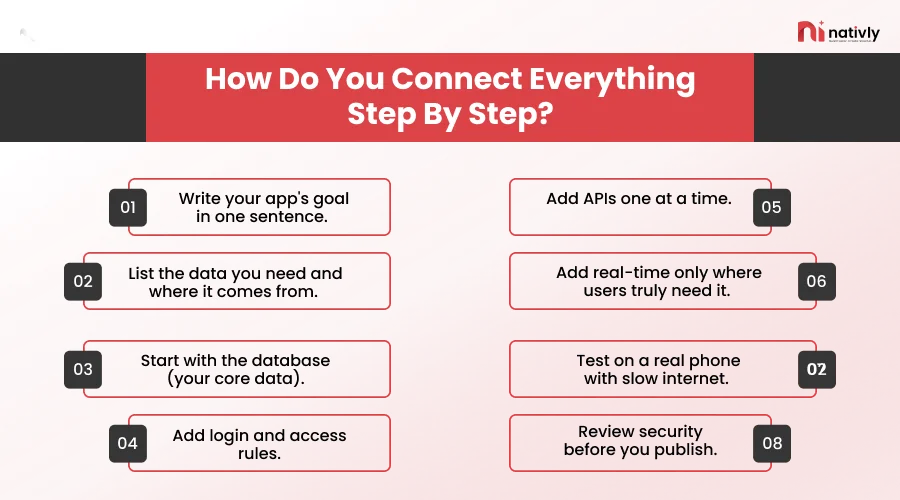
- Write your app’s goal in one sentence.
- List the data you need and where it comes from.
- Start with the database (your core data).
- Add login and access rules.
- Add APIs one at a time.
- Add real-time only where users truly need it.
- Test on a real phone with slow internet.
- Review security before you publish.
Not sure which AI builder fits? Our guide to the best AI mobile app builders compares the options.
What Security Checks Should You Do Before Launch?
Security safeguards your users and business. Check these before launch:
- Secret keys are not stored inside the app.
- Every user logs in and sees only their own data.
- All connections use HTTPS.
- Passwords are never stored as plain text.
- You collect only the data you truly need.
- Your privacy policy matches what the app does.
What Mistakes Do Beginners Make Most Often?
- Skipping Access Rules: Without rules, users may see each other’s data.
- Putting API Keys Inside the App: Keep them on a server.
- Using Real-Time Everywhere: It adds cost and complexity. Use it only when needed.
- Not Testing with Real Data: Fake data hides real problems.
- Ignoring Bad Internet: Show a clear message when the connection drops.
How Can Nativly Help You Connect Data to Your Mobile App?
Nativly AI helps you build a real native Android and iOS app from a plain-English idea, then gets it ready for launch with help from engineers. You don’t need to write code to start, and you are not left alone when the data side gets challenging.
What Nativly Gives You
- Describe it, and AI builds it: Explain your app in simple words, like “show each user their own orders”, and the AI creates the app for you.
- Real native apps, not web wrappers: Your app is built for Android and iOS, so it feels smooth and fast on the phone.
- Engineers who finish the job: APIs, databases, and live updates can get tricky. Nativly’s engineers help make the app production-ready, so you don’t have to figure it out alone.
- Release-ready templates: Start with a ready template instead of a blank page that saves time.
- Security and control for business: Teams can keep IT oversight and data security in place. See the Nativly Enterprise page for details.
Who is It Good for?
- Business owners who want a first app without hiring a full development team.
- Startups that need to launch quickly and test an idea.
- Enterprise teams replacing paper forms, spreadsheets, or slow internal tools with a mobile app.
A simple way to start
- Write what your app should do in one or two sentences.
- List the data it needs, such as users, orders, or live status.
- Describe the idea to Nativly AI and review the first version.
- Talk to the Nativly team about the API, database, and real-time parts you need.
Still comparing tools? Read our guide to the best AI mobile app builders to see how the options differ.
Final Thoughts
Connecting data is just three choices: an API for outside services, a database for your data, and real-time for live updates. Start small, add one connection at a time, and test often.
FAQs
Q1. Can I connect an API without coding?
Often yes. With an AI app builder, you describe what you want in plain words. Complex or custom logic may still need an engineer to review it.
Q2. What is the difference between an API and a database?
A database stores your own data. An API lets your app use data or features from another service.
Q3. Do I need a backend?
Usually yes, if your app has user accounts, private data, or secret keys. The backend is the safe middle layer.
Q4. What is real-time data in a mobile app?
It is information that appears on screen the moment it changes, like a new chat message, with no manual refresh.
Q5. Is real-time data expensive?
It can cost more than normal requests because connections stay open. Costs depend on your provider and how many users you have, so check the provider’s pricing page.
Q6. Can I own the code of an AI-built app?
It depends on the platform. Nativly’s partner listings say users keep ownership of the code behind their app. Confirm the details in your own agreement.